

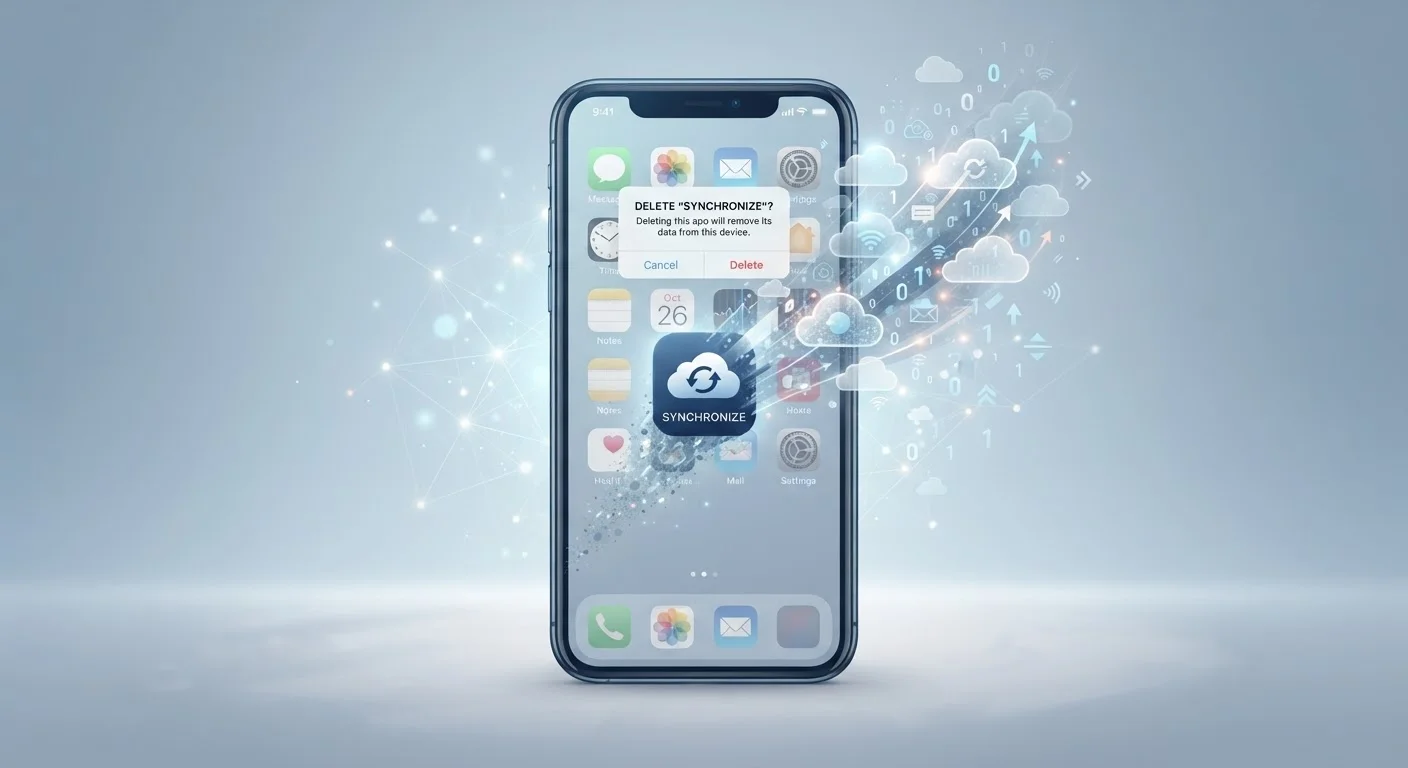
What Actually Gets Deleted When You Remove an App
When you delete an app from your iPhone or Android device, your phone removes the software code, the app icon, and the data stored locally on your device. That includes cached files, temporary data, and any settings the app saved directly to your phone's storage. Think of it like clearing off your desk - what was sitting on the surface is gone.
What doesn't get cleared out is everything stored on the company's servers. Your account, your username, your history, your saved preferences, and any content you created or uploaded - all of that lives on remote computers the app company controls. Uninstalling the app has no effect on that data whatsoever.
This distinction matters because people often assume a clean swipe is a clean break. In reality, you've removed the door but left everything inside the house untouched. For a broader look at how local vs. remote storage works, see our guide on cloud and local storage.
79%
Americans concerned about how companies use their data
According to Pew Research Center surveys on American attitudes toward data privacy and surveillance.
30-90 days
Typical server-side data retention after account deletion request
Retention windows vary widely by platform; many companies disclose specific timeframes in their privacy policies.
45+
Average number of apps installed on a US smartphone
Industry research on US smartphone usage patterns suggests most Americans have dozens of apps installed at any given time, each potentially holding account data.
Server-Side Data: Why It Persists and Who Controls It
Every time you create an account, the app company stores your information on their servers. This is how they let you log back in on a new phone, sync your data across devices, or restore your history after reinstalling. That convenience comes with a trade-off: your data stays with them even when you're done using their product.
App companies retain this data according to their own privacy policies, which dictate how long they keep it and what they're allowed to do with it. Some companies use aggregated data for analytics or advertising even after you've stopped using the app. You agreed to these terms when you created your account - typically buried in the terms of service.
Apple and Google Now Require Deletion Options
Both Apple and Google have updated their app store policies to require that apps offering account creation also provide an in-app way to delete that account. This means most major apps on the App Store and Google Play must now offer account deletion directly within the app. However, older or less-maintained apps may not yet be fully compliant, and the process can still vary significantly from one app to another.
The good news is that privacy laws are increasingly giving consumers more control. California's Consumer Privacy Act (CCPA) and various other state-level regulations give residents the right to request that companies delete their personal data. Many companies now provide self-service account deletion tools to comply with these requirements.
How to Actually Delete Your Data - Not Just the App
If you want a genuine clean break from an app, follow these steps before or after uninstalling:
- Delete your account first. Open the app's settings and look for options labeled "Delete Account," "Close Account," or "Privacy." Many major apps now include this directly in settings due to app store requirements.
- Use the company's website. If the option isn't obvious in the app, visit the company's official website. Look for a privacy or account settings page.
- Submit a data deletion request. Most companies have a formal process for this, often linked from their privacy policy page. You can request deletion of your personal data separately from your account.
- Cancel any subscriptions. Deleting an app does not stop billing. Cancel subscriptions through your Apple ID or Google account settings, or directly with the company.
- Then uninstall the app. Once you've handled your account, remove the app from your device to free up storage.
Skipping step one is the most common mistake. Taking a few extra minutes to close your account properly is the only way to remove your data from the company's systems. Old unused apps can also contribute to digital clutter that affects device performance.
A Note on Cloud Sync and Reinstalling Apps
Many apps sync your data to the cloud by default, which is why reinstalling an app often restores everything exactly as you left it. This is a useful feature - until you realize it also means nothing was ever truly gone. Your photos, documents, game progress, or messages may have been continuously backed up to the company's servers the entire time.
If you reinstall an app and log back into your old account, your data reappears. This confirms that the data was never deleted - it was simply inaccessible while the app wasn't installed. Understanding how your phone manages storage can help you make smarter decisions about what stays on your device and what lives in the cloud.
Before deleting any app you've used for a while, it's worth asking: Do I have an account? Is my data backed up somewhere I don't control? Would I want this company to keep my information? Answering those questions first leads to more deliberate, informed decisions about your digital privacy.
This article is for general informational purposes only and does not constitute legal or privacy advice. Privacy rights and data retention rules vary by state and country. Consult the relevant app's privacy policy or a qualified privacy professional for guidance specific to your situation.
Frequently Asked Questions
No. Deleting an app only removes it from your device. Your account, along with any data tied to it, remains on the company's servers until you specifically request account deletion. You'll need to close the account separately, either through the app's settings or the company's website.
Local data - such as cached files, temporary files, and locally stored settings - is typically removed when you delete an app. However, any information stored on the company's servers, including your profile, usage history, and preferences, stays intact unless you delete your account.
You need to request account deletion through the app or the company's website before or after uninstalling. Many apps now include a 'Delete Account' option in their settings. You can also contact the company's support team or submit a data deletion request under applicable privacy laws like the CCPA in California.
Once an app is deleted from your device, it can no longer collect new data from that device. However, the company retains the data already collected and may continue to use it under their privacy policy until you request deletion.
No. Subscriptions are managed through your app store account (Apple App Store or Google Play) or directly with the company. Deleting the app does not cancel billing. You need to cancel the subscription separately to stop being charged.
Retention periods vary by company and are outlined in their privacy policy. Many companies retain data for 30 to 90 days after a deletion request before permanently removing it. Some may keep certain data longer for legal or compliance reasons.
The content on this site is provided for informational purposes only and should not be considered a substitute for professional advice. While we strive to provide accurate and up-to-date information, we make no guarantees regarding its completeness or accuracy. Always consult a qualified professional for advice specific to your circumstances before making any decisions.