

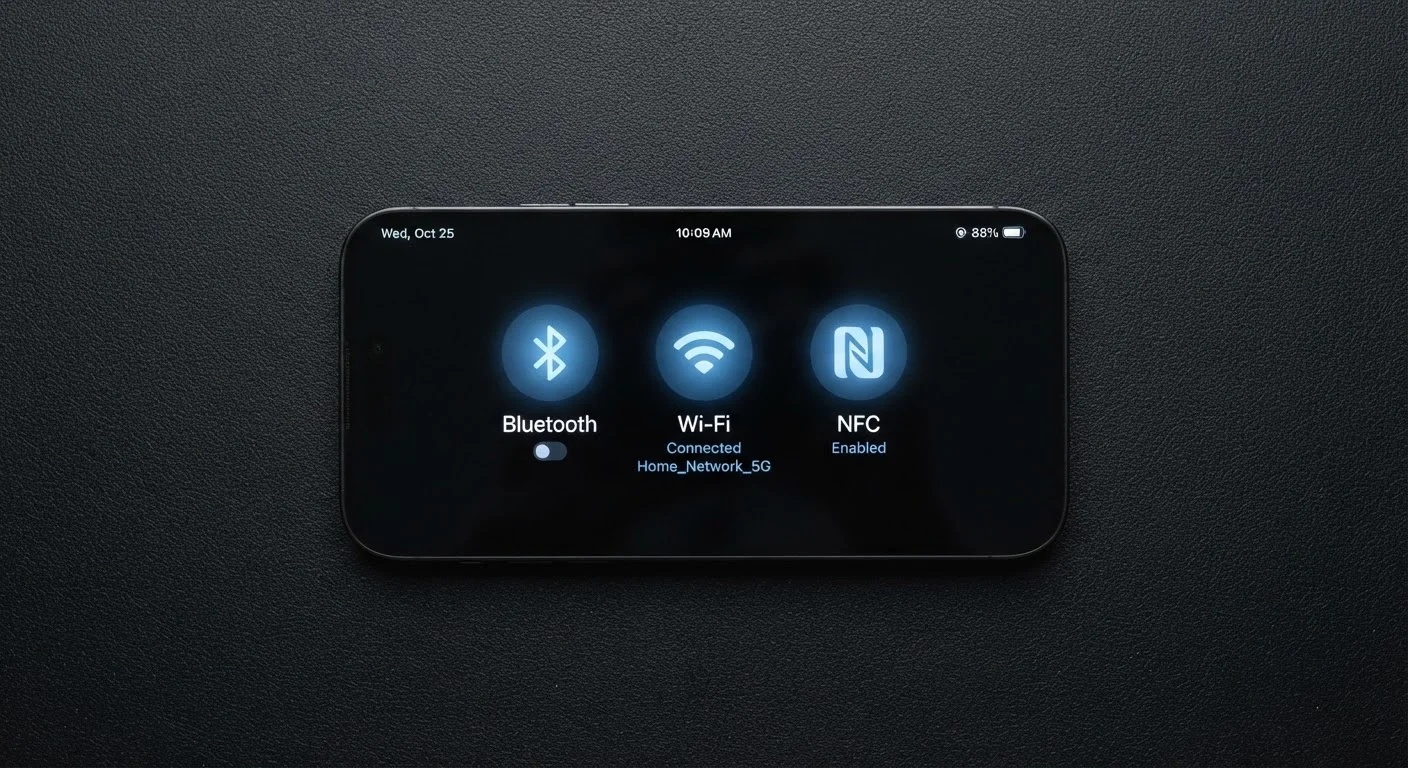
Three Radios, Three Very Different Jobs
Your phone is a wireless powerhouse - but not because of one technology. It contains several separate radios, each operating on different frequencies and built for completely different purposes. The three you encounter every day are Bluetooth, Wi-Fi, and NFC. Understanding what each one actually does makes it much easier to troubleshoot connection problems, manage battery life, and understand your phone's behavior.
| Bluetooth typical range | Up to ~30 feet indoors (Bluetooth SIG general specifications) |
| NFC maximum effective range | Under 4 centimeters (NFC Forum standard) |
| Wi-Fi frequency bands | 2.4 GHz, 5 GHz, and 6 GHz (Wi-Fi 6E) (Wi-Fi Alliance) |
| Primary NFC use case in the US | Contactless mobile payments at checkout |
| Cellular vs. these three | Separate technology - not the same as Bluetooth, Wi-Fi, or NFC |
These three technologies are entirely separate from your carrier's cellular network - 4G LTE or 5G - which handles calls, texts, and mobile data when you're away from a router. For a deeper look at how cellular and Wi-Fi interact on your phone, see how your phone chooses between Wi-Fi and mobile data.
Bluetooth: Short-Range Cable Replacement
Bluetooth was designed to replace the short physical cables that once connected devices - headphones to phones, keyboards to computers, speakers to tablets. It operates in the 2.4 GHz radio band and is optimized for low power consumption over short distances, typically up to about 30 feet in practical indoor conditions.
Common everyday Bluetooth uses include:
- Wireless earbuds and headphones
- Car audio and hands-free calling
- Fitness trackers and smartwatches
- Wireless keyboards and mice
- Portable speakers
Bluetooth transfers data relatively slowly compared to Wi-Fi, but that's fine for its purpose - streaming audio or syncing a step count doesn't require large bandwidth. Each connection requires a one-time pairing step, after which devices recognize each other automatically. Newer versions of Bluetooth (5.0 and later) offer improved range and more stable connections than older versions, though exact performance varies by device and environment.
Wi-Fi: Your Gateway to the Internet
Wi-Fi connects your phone to a local router, which in turn connects to the broader internet. It operates on either the 2.4 GHz or 5 GHz radio bands (and in newer devices, 6 GHz under Wi-Fi 6E), delivering far higher data speeds than Bluetooth - often measured in hundreds of megabits per second under good conditions.
Wi-Fi is what your phone uses to stream video, download apps, video call, or browse the web without consuming your cellular data plan. Range is limited to the area covered by your router - generally one home or building - and performance drops with distance and physical obstructions like walls and floors.
Bluetooth
A short-range wireless standard used to connect personal devices - such as headphones, speakers, and smartwatches - to your phone without cables. It operates at low power over distances typically up to 30 feet.
Wi-Fi
A wireless networking standard that connects your phone to a local router, providing access to the internet. It operates at much higher speeds than Bluetooth but is limited to the range of the router.
NFC (Near Field Communication)
A very short-range wireless standard (under 4 cm) used for instantaneous data transfers like mobile payments and transit card taps. It requires devices to be physically close or touching.
Pairing
The one-time setup process that links two Bluetooth devices so they recognize each other automatically in the future. After pairing, most devices reconnect without additional steps.
2.4 GHz / 5 GHz bands
Radio frequency ranges used by Wi-Fi and Bluetooth. The 2.4 GHz band travels farther but supports lower speeds; the 5 GHz band is faster but has a shorter effective range.
Radio
In smartphone context, a hardware component inside the phone that sends and receives wireless signals. Phones contain multiple radios - one each for cellular, Wi-Fi, Bluetooth, and NFC.
Understanding the difference between Wi-Fi standards (like Wi-Fi 5 and Wi-Fi 6) can be useful when evaluating routers, but for most everyday tasks the practical difference is modest unless you have many devices on one network. For context on how home internet technologies deliver that signal to your router in the first place, see how fiber, cable, DSL, and fixed wireless compare.
NFC: Tap-to-Transfer at Close Range
NFC (Near Field Communication) operates at an extremely short range - typically 4 centimeters or less - and is designed for quick, intentional data exchanges. Unlike Bluetooth or Wi-Fi, which maintain ongoing connections, NFC completes a transaction in a fraction of a second the moment two NFC-enabled devices or tags touch or nearly touch.
The most familiar NFC use for most Americans is mobile payments: tapping your phone against a payment terminal at checkout. Transit cards, hotel key cards, and some loyalty programs also use NFC. It can also be used to pair Bluetooth accessories more quickly - tapping a speaker to your phone triggers the Bluetooth pairing process automatically.
NFC consumes very little power, and many phones keep it active in a low-power background state so payment apps work even when the phone is locked. Because its range is so short by design, accidental activations are rare - you have to deliberately tap or hold devices close together.
For a broader look at the terminology carriers and phone makers use, this plain-language guide to carrier jargon covers the cellular side of wireless vocabulary.
Quick Comparison: When to Use Which
The simplest way to remember the difference between these three technologies is by their range and purpose:
| Technology | Typical Range | Primary Purpose | Speed |
|---|---|---|---|
| Bluetooth | Up to ~30 ft | Connecting personal accessories | Low to moderate |
| Wi-Fi | Home or building | Internet access via router | High |
| NFC | Under 4 cm | Tap-to-pay, quick data exchange | Very low (small payloads) |
None of these replaces the others - they coexist on your phone because each solves a problem the other two cannot. Turning off a radio you aren't using (for example, disabling Bluetooth when you have no accessories connected) can modestly extend battery life, though modern chips are efficient enough that the savings are often small.
If you want to understand how your phone and wireless plan work together more broadly, exploring how cellular data and Wi-Fi hand off between each other is a natural next step - covered in detail in our guide on when your phone uses Wi-Fi versus mobile data.
The content on this site is provided for informational purposes only and should not be considered a substitute for professional advice. While we strive to provide accurate and up-to-date information, we make no guarantees regarding its completeness or accuracy. Always consult a qualified professional for advice specific to your circumstances before making any decisions.