

The Basic Job Each Device Does
Internet service providers often use modem, router, and gateway interchangeably in marketing materials, but each term describes a fundamentally different function. Knowing the distinction helps you troubleshoot problems, evaluate equipment rental fees, and understand what you're actually paying for. For a broader look at how internet connections reach your home, see how fiber, cable, DSL, and fixed wireless differ.
| Modem primary function | Connects your home to the ISP's network |
| Router primary function | Manages traffic and Wi-Fi inside your home |
| Gateway definition | Modem and router combined in one device |
| Typical ISP equipment rental fee | $10-$15+ per month (Representative range based on common US ISP pricing; varies by provider) |
| Cable modem standard | DOCSIS (current: DOCSIS 3.1) |
| Fiber modem equivalent | Optical Network Terminal (ONT), usually ISP-provided |
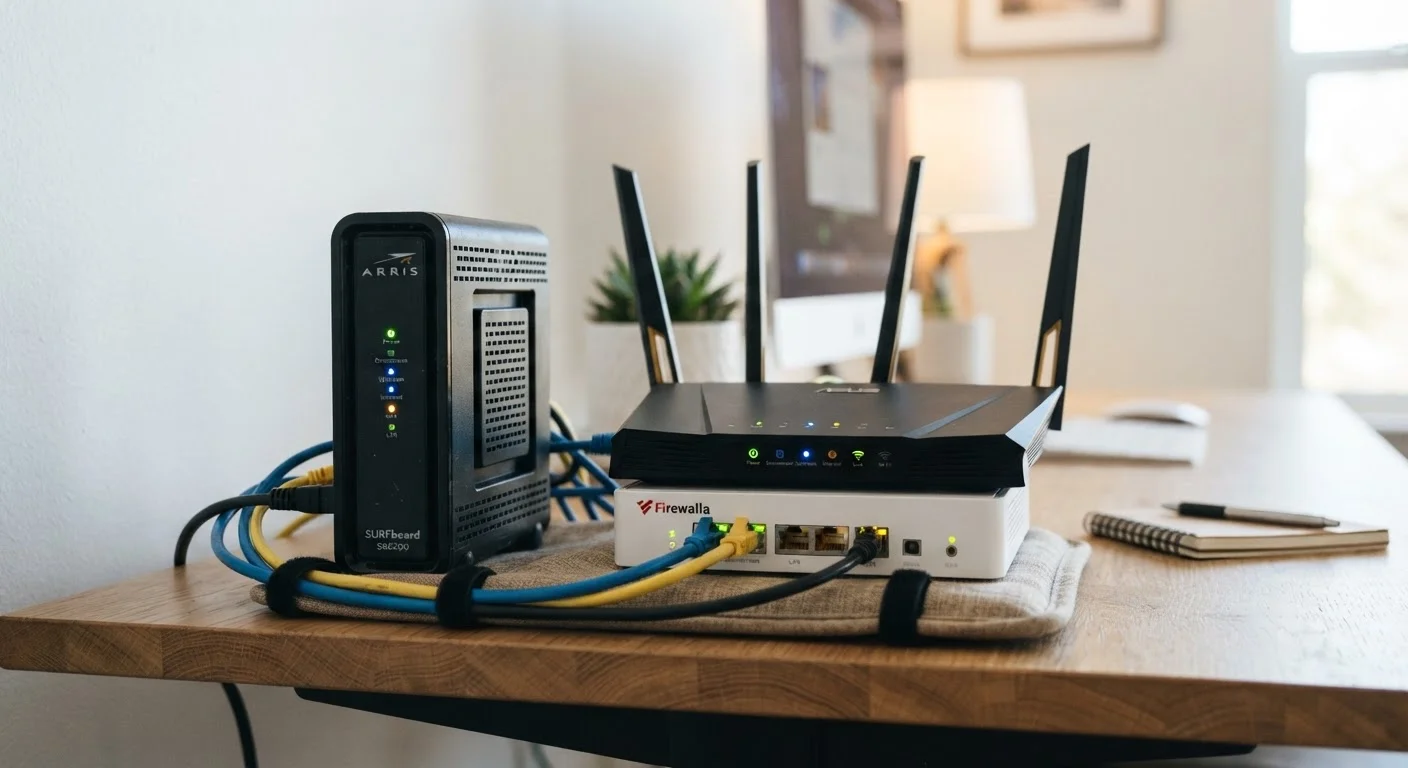
Modem: A modem (short for modulator-demodulator) is the device that connects your home to your ISP's network. It translates the signal coming in from your internet line - whether that's a coaxial cable, telephone wire, or fiber - into a digital format your home devices can use. Without a modem, your home has no link to the broader internet.
Router: A router manages traffic inside your home network. It assigns local IP addresses to each device, decides which data packet goes where, and creates the Wi-Fi network your phone, laptop, and smart TV connect to. A router without a modem can create a local network, but that network has no path to the internet.
Gateway: A gateway combines both functions into one physical unit. The single box your ISP ships often contains a modem and router together. Gateways are convenient, but they give you less control and typically carry a monthly rental fee that adds up over time.
Why the Distinction Matters for Your Setup
Understanding these roles has real practical consequences when you're setting up service or evaluating your ISP's equipment offer.
Modem
A device that connects your home to your ISP's network by translating the incoming signal - from coaxial, phone line, or fiber - into a format your home devices understand.
Router
A device that manages traffic within your home network, assigns local IP addresses, and broadcasts Wi-Fi. It directs data between devices on your network and to the modem for external traffic.
Gateway
A single device that combines modem and router functions. ISPs commonly ship gateways as the default equipment, often for a monthly rental fee.
DOCSIS
Data Over Cable Service Interface Specification - the industry standard that governs how cable modems communicate with a cable ISP's network. Different DOCSIS versions support different speed tiers.
Local IP Address
A number assigned by your router to each device on your home network, allowing it to send and receive data correctly within that network.
Optical Network Terminal (ONT)
A device installed by fiber ISPs at or near your home that converts the fiber-optic signal into an ethernet signal your router can use. In fiber setups, the ONT replaces the traditional modem.
Equipment rental costs: ISPs frequently charge a monthly fee - often ranging from $10 to $15 or more - for a rented gateway. Purchasing a compatible modem and router separately can eliminate that ongoing cost, though you'll want to confirm device compatibility with your ISP before buying. Read the fine print in your ISP contract to understand exactly what equipment fees you're agreeing to.
Performance and control: Dedicated routers from the consumer market often offer more advanced features - better Wi-Fi coverage, stronger parental controls, firmware updates - than the router component built into a basic ISP gateway. If reliable whole-home Wi-Fi matters to you, a standalone router paired with your ISP's modem or a compatible third-party modem may serve you better.
Troubleshooting: When you know which device does what, you can isolate problems faster. If every device on your network loses internet but your modem's status lights look normal, the issue is likely with your ISP's network or the modem itself. If some devices connect and others don't, the router is the more probable culprit.
Compatibility constraints: Not every modem works with every ISP or every type of connection. Cable internet uses DOCSIS-standard modems; fiber connections typically require equipment the ISP controls directly at the optical network terminal. Understanding your connection type - covered in depth in our guide to broadband types and speeds - tells you what modem options are even on the table.
Before signing up for new service, ask your ISP directly which equipment options are approved, whether you can use your own, and what the rental cost covers. Our article on questions to ask before signing up for a home internet plan includes a checklist to guide that conversation.
The content on this site is provided for informational purposes only and should not be considered a substitute for professional advice. While we strive to provide accurate and up-to-date information, we make no guarantees regarding its completeness or accuracy. Always consult a qualified professional for advice specific to your circumstances before making any decisions.