

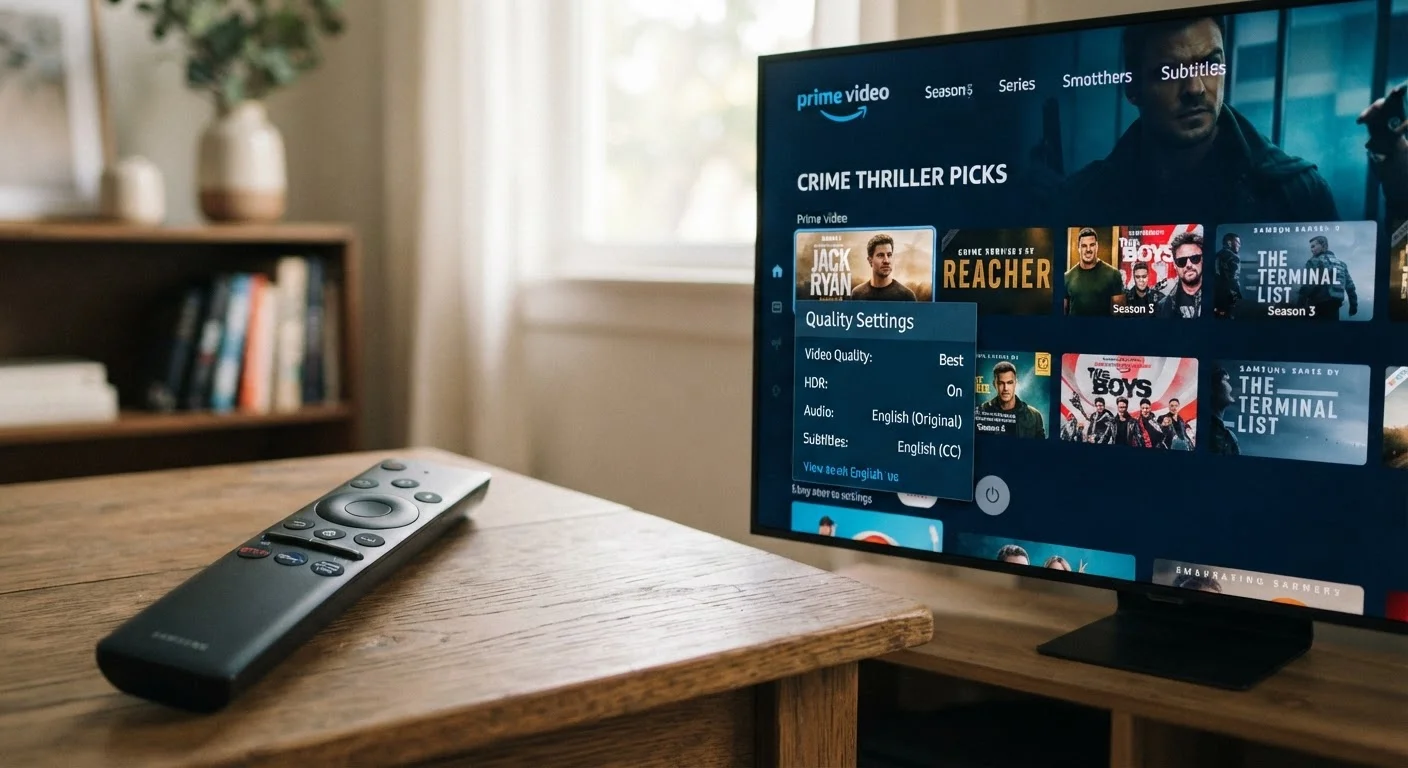
The Numbers Behind the Picture
When a streaming service asks whether you want to watch in SD, HD, or 4K, it's asking how many pixels you want filling your screen. Resolution - the grid of tiny dots that makes up a video image - determines how sharp, detailed, and lifelike the picture appears.
Here's a quick breakdown of what those labels mean:
- SD (Standard Definition / 480p): About 480 rows of pixels. Looks acceptable on small screens; noticeably soft on anything larger than a laptop.
- HD (High Definition / 720p or 1080p): The most common setting for home streaming. 1080p delivers a sharp, clear image on screens up to 65 inches for most content.
- 4K (Ultra HD / 2160p): Four times the pixel count of 1080p. The visual upgrade is most apparent on large TVs viewed at close range - and only if your TV actually supports 4K output.
The catch is that higher resolution isn't free. Every extra pixel requires more data to transmit, and that data comes from your internet connection in real time.
7-20 GB
Data used per hour of 4K streaming
Estimates vary by service and compression method; Netflix has cited approximately 7 GB/hour for 4K content.
4x
More pixels in 4K vs. 1080p HD
A 4K (2160p) image contains roughly four times as many pixels as a full HD (1080p) image.
25 Mbps
Recommended speed for single 4K stream
Netflix recommends at least 15 Mbps for 4K; other services cite up to 25 Mbps for reliable ultra-HD playback.
What Quality Settings Cost in Data
Data consumption is where streaming quality settings become a real household budget issue - especially for anyone on a mobile plan or a home internet plan with a monthly data cap.
General estimates from streaming services and independent analyses suggest approximate hourly data use by quality tier:
| Quality | Resolution | Approx. Data Per Hour |
|---|---|---|
| SD | 480p | Under 1 GB |
| HD | 1080p | 1-3 GB |
| 4K | 2160p | 7-20 GB |
A household that streams two hours of 4K content nightly can use 40-80 GB per week on video alone - before accounting for other internet activity. If your plan has a data cap, that adds up fast. For more on how data limits work in practice, see how carriers handle data throttling on mobile plans.
Audit Your Streaming App Settings Now
Log into each streaming service's account settings - not just the in-app playback menu - to find data usage and video quality controls. Many apps default to 'Auto,' which can select 4K even when it isn't necessary. Setting a manual preference for cellular connections takes about two minutes and can prevent unexpected data overages.
Finding the Right Setting for Your Setup
The ideal quality setting depends on three factors working together: your screen's capability, your internet plan's real-world speed, and your data allowance.
Match quality to your display. Streaming 4K on a 1080p television delivers zero visual benefit while consuming significantly more data. Check your TV's specs before defaulting to the highest quality option.
Consider the screen size and viewing distance. On a 6-inch smartphone screen, the difference between 480p and 1080p is minimal. Dropping to SD or low HD on mobile is a sensible trade-off that most viewers won't notice.
Check your actual internet speeds. Advertised speeds don't always reflect what arrives at your devices. ISP speed claims often differ from real-world performance, and 4K streaming needs a consistent, not just peak, connection. If your connection drops during playback, the service will automatically step down quality anyway.
Use per-connection settings. Most streaming platforms let you set quality separately for cellular and Wi-Fi. Set cellular to SD or low HD to protect your mobile data, and leave Wi-Fi at whatever your home setup comfortably supports. Understanding how much speed your household actually needs helps you calibrate this more precisely.
Taking a few minutes to audit these settings across your streaming apps - Netflix, Disney+, Hulu, Max, and others all have them - can meaningfully reduce data consumption without sacrificing the viewing experience that matters to you.
Frequently Asked Questions
SD (standard definition) streams at around 480p, HD at 720p or 1080p, and 4K at 2160p. The number refers to the vertical pixel count - more pixels means a sharper, more detailed image. The difference is most noticeable on larger screens.
4K streaming typically uses between 7 and 20 GB per hour depending on the service and how aggressively it compresses video. Netflix, for example, has cited figures around 7 GB per hour for 4K. HD generally uses 1-3 GB per hour, and SD uses under 1 GB.
Not directly - most home internet plans charge a flat monthly rate. However, if your plan has a data cap, heavy 4K streaming can push you over it, triggering overage fees or speed reductions. Mobile data plans are more immediately affected.
Yes. Most major streaming platforms let you adjust video quality in account or playback settings. Some allow separate settings for cellular and Wi-Fi connections, which is useful for managing mobile data without affecting your home viewing experience.
No - a standard 1080p TV cannot display 4K content, so streaming at 4K on one wastes data without any visual benefit. Your TV's display capability sets a ceiling on the quality you can actually see.
Most streaming services recommend at least 15-25 Mbps for stable 4K playback on a single device. If multiple people are streaming simultaneously, you'll need proportionally more bandwidth. Check your plan's actual delivered speeds, not just the advertised maximum.
The content on this site is provided for informational purposes only and should not be considered a substitute for professional advice. While we strive to provide accurate and up-to-date information, we make no guarantees regarding its completeness or accuracy. Always consult a qualified professional for advice specific to your circumstances before making any decisions.